
Hello! 👋
January 2026 update comes with great number of new features and improvements. Let's dive into the details:
tl;dr
This month featured:
- 📃 Dashboard — Global or following view
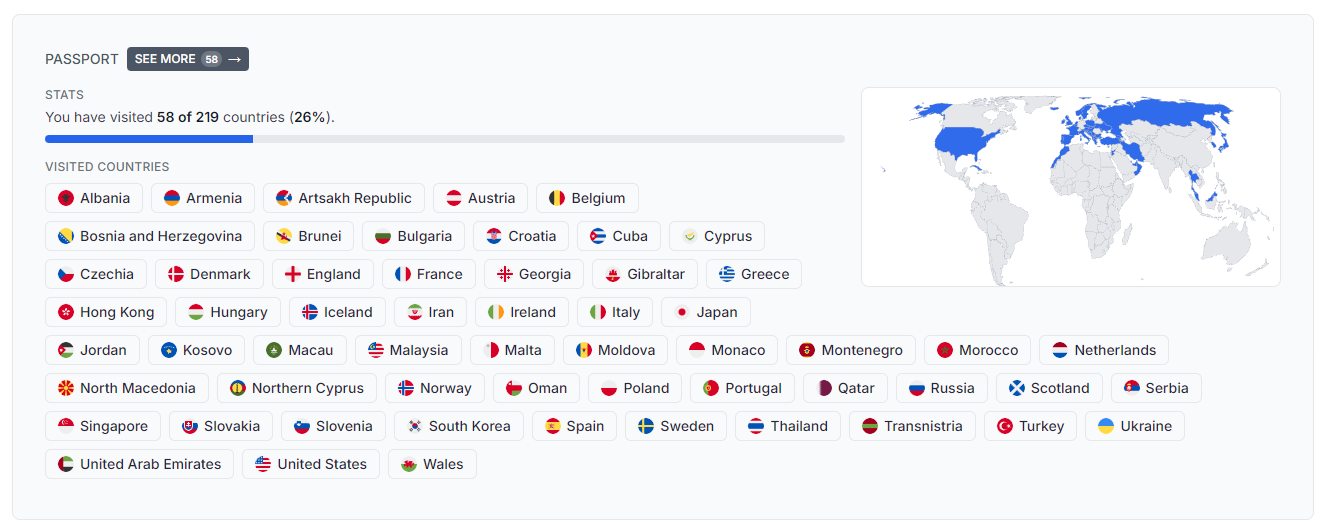
- 🗺️ Passport view — View your visited countries as a list of flags and map
- 📱 Bottom menu — New bottom menu for mobile and tablet
- 🔗 Shareable links — Share your bucket list items with others
- 🎲 Random goal button — Show a random goal
- 📦 474 new bucket items! — New ideas and inspiration
- 📃 New lists — New lists of bucket items
- 🐛 Over 124 improvements and bugfixes — Better experience
1. Dashboard
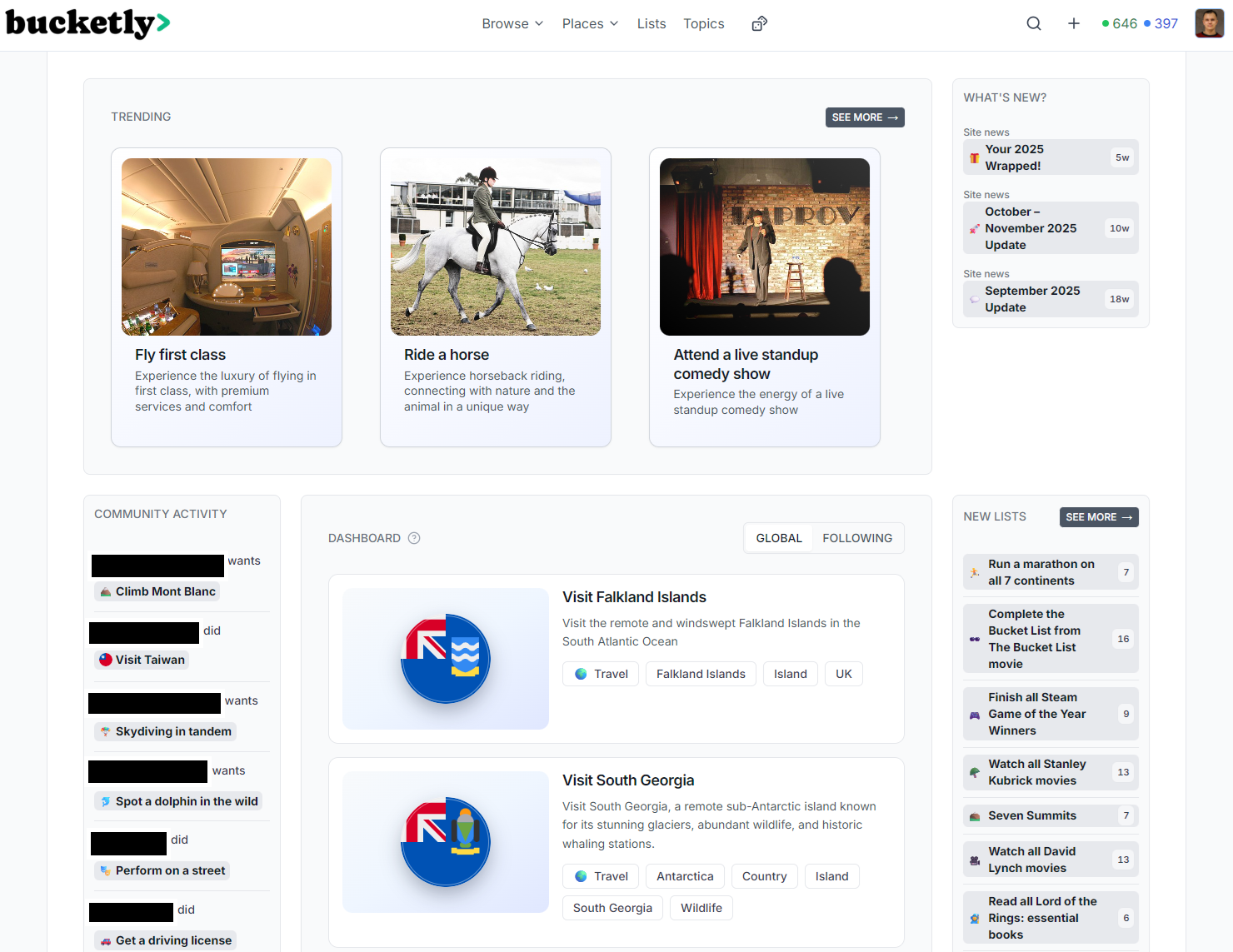
When logged in, you will see a dashboard page with two possible views: global dashboard and following.
The main purpose of the dashboard is to:
- See trending items from all users.
- See most recent activities of users.
- See news, active items, new lists, and the new content from the community (photos and comments).
- For following view, you will see activities of the users you are following.
If you'd like to opt-out to be presented in the global dashboard, go to the Settings and turn on the "Hide my activity from Global feed" option.
Dashboard is available after the login.
🔗 See it in action: bucketly.co/dashboard
2. Passport view
From now on, you can view your visited countries as a list of flags and map.
The view is available in the Profile Page > Passport (and also on your profile page).
🔗 Example Passport View: bucketly.co/users/1/passport
3. Bottom menu (mobile)

Bottom menu is available on mobile and tablet devices. It's a new way to navigate through the app.
4. Shareable links

Many pages, including the bucket item and your bucket list, now have a shareable link. Share to your friends or share to your favorite social media.
5. New lists
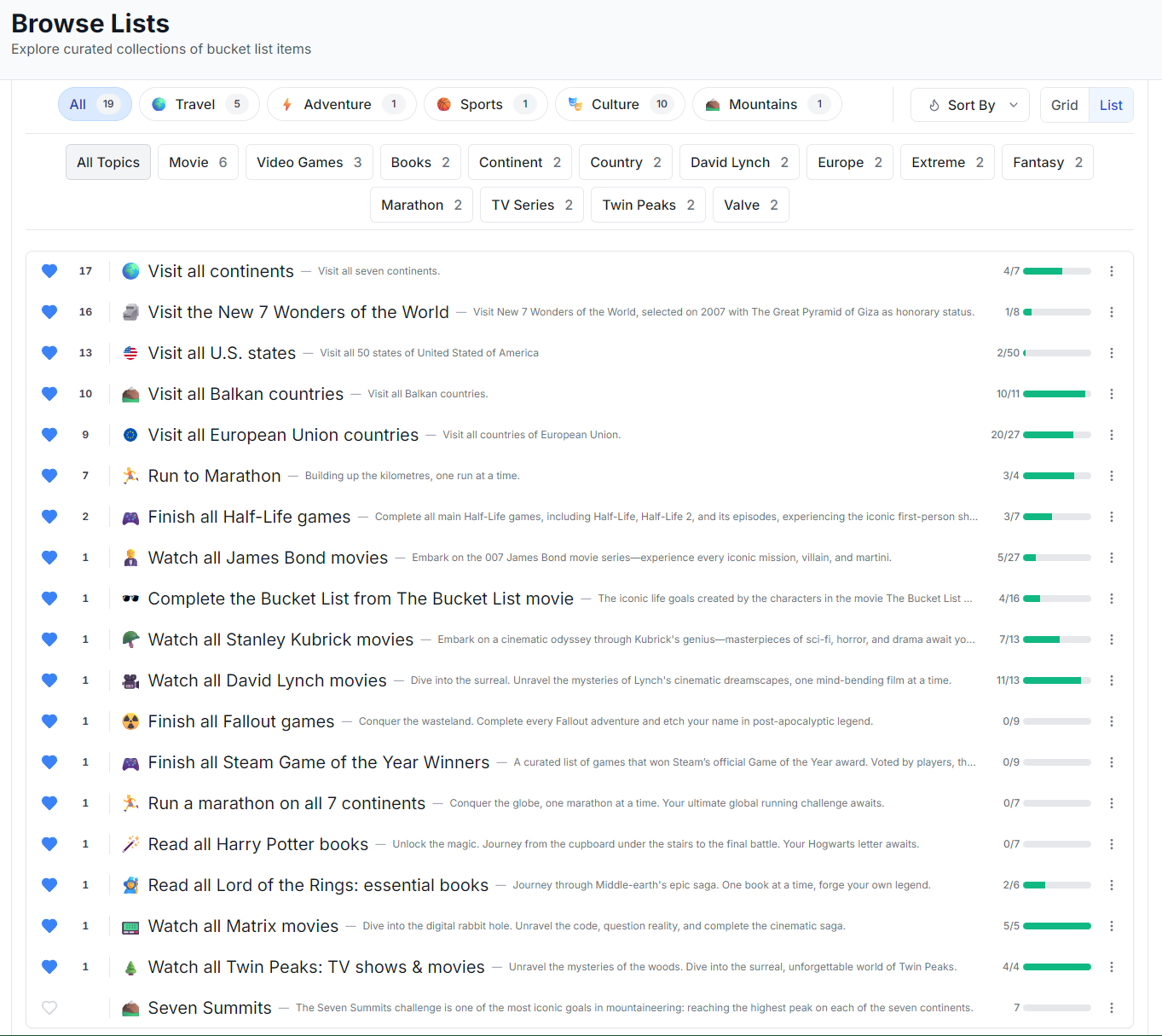
Now, we have a few more lists. The view of the lists has been refreshed. Also, each list can have a category and a topic. Lists view has a filters and sorting options.
🔗 Lists: bucketly.co/lists
6. All items pages
For the sake of convenience, all items pages (all bucket items, lists, topics) are listed in a single page -> available from the site footer.
🔗 Links:
6. 🐛 Fixeees and improvements
Other changes includes:
- Tags are now Topics
- Creation category has been renamed to Create
- Bucket List view has a table of contents (categories)
- Profile page has a new section: Passport
- Profile page links has counts and are disabled if there's no content
- All items pages (all bucket items, lists, topics) listed in a single page -> available from the site footer
- Lists view redesigned
- Funny loading messages
- Fixed loading skeletons
- And many more...
7. 🙏 Support the Project
Servers, databases, high-resolution images, and countless hours of work add up — even a €3 coffee-tip helps keep Bucketly growing
Hey, I'm glad you are reading this section :) I'm personally very determined and dedicated to make Bucketly a success. My goal is to help people to achieve their dreams and make them happy. The project itself is hugely time-, energy-, and money-consuming.
The project is a new territory for me, but it's also challenging and rewarding. Whenever I see new users coming to the page or users making even tiny actions, it's a huge motivation to keep going.
If you want to support me and help me achieve my goal, please consider donating, even with a coffee-tip. I'm working on many other exciting features, so the Bucketly grows more and more, and I'm super happy to see that people are using it.
If you don't wish to support the project, please consider sharing the website with your friends. It's a great way to help the project grow and it gives me a wind in my sails!
Donation link: bucketly.co/support
8. What can you do now?
- Register and fill your Bucket List (if you haven't already!)
- Plan your 2026 bucket list!
- Add photos and comments to your bucket items
- Follow other users
- Like other users' bucket items
- Complete your lifetime goals list
- 💖 Support the project!
- 💚 Share the website with your friends!
Thanks 🙏 — Darek